This is the second in a series exploring fire protection mobile workflows and how integrated tools empower technicians to bridge the gap between the field and the office.
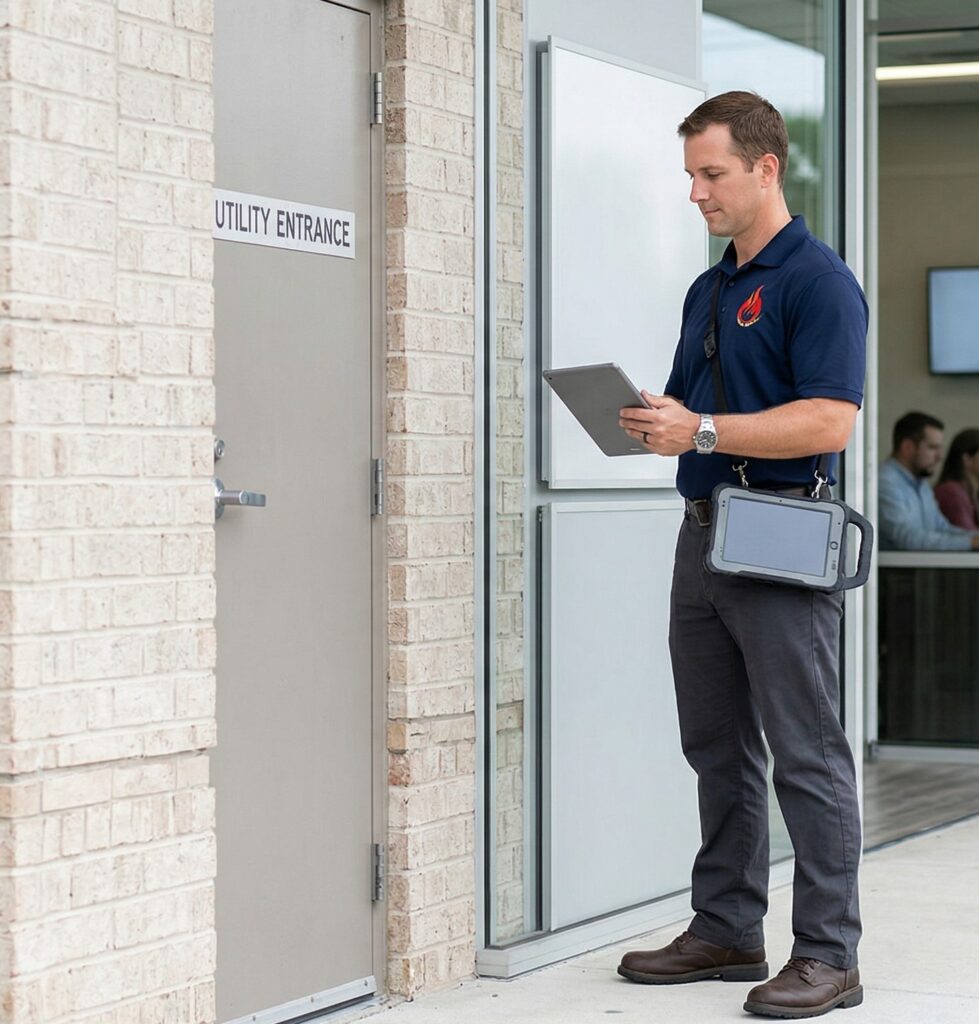
In the fire and life safety industry, a technician is often the primary face of the company. However, even the most skilled expert can be sidelined by a lack of context. If a job was rescheduled because of a gated entry code or a specific site contact’s schedule, the technician needs that information before they arrive on-site. Providing this paper trail directly in the field ensures a smoother workflow and a more professional customer experience.
Reschedule History and Site Context
The PZ mobile app provides technicians with a clear view of the order history through the Reschedule Notes screen. Instead of walking into a situation blindly, technicians can review specific notes from previous attempts to complete the work.
- Sorted Intelligence: The screen defaults to the most recent notes first, ensuring the technician sees the most relevant information immediately.
- Comprehensive Details: Each record includes the date, the time, and the specific technician who handled the reschedule, along with the notes they recorded.
- Instant Access: Technicians can view these notes at any time from the Order Info screen without needing to be clocked into the order, allowing for quick research between stops.
Speaking Your Company’s Language
Accuracy in labor tracking is essential for both payroll and job costing, but terminology often varies from one fire protection shop to another. To ensure technicians clearly understand their labor options, the mobile app allows the office to customize button labels to match the company’s specific culture.
- Custom Labor Labels: The button traditionally used for non-billable “bench” time can be renamed to terms your team actually uses, such as “Travel,” “Shop Time,” or “Training”.
- Clear Break Management: The “Break” button can also be renamed to provide clarity for the field team. This ensures that when a technician needs to stop their active labor clock, they are interacting with a term that makes sense for their daily routine.
Real-Time Monitoring Equipment Updates
Maintaining an accurate record of monitoring equipment is a common challenge, especially when site conditions change. Technicians now have the ability to manage this data directly from the mobile app while they are looking at the hardware.
- Field-Led Accuracy: Technicians can view, add, or edit monitoring equipment details on the fly.
- Unified Source of Truth: By allowing the person in the field to update these records, the office avoids the translation errors that often occur when trying to interpret handwritten field notes.
Informed Technicians and Accurate Data
When technicians have access to the full story behind an order and an app that speaks their language, they spend less time on administrative confusion and more time on high-value service. This level of transparency not only improves internal morale but also reinforces your company’s reputation for professionalism and reliability.
Efficiency starts with the right setup. If you want to see how PZ supports technician communication and data accuracy in real-world workflows, contact our team to request a demo.