
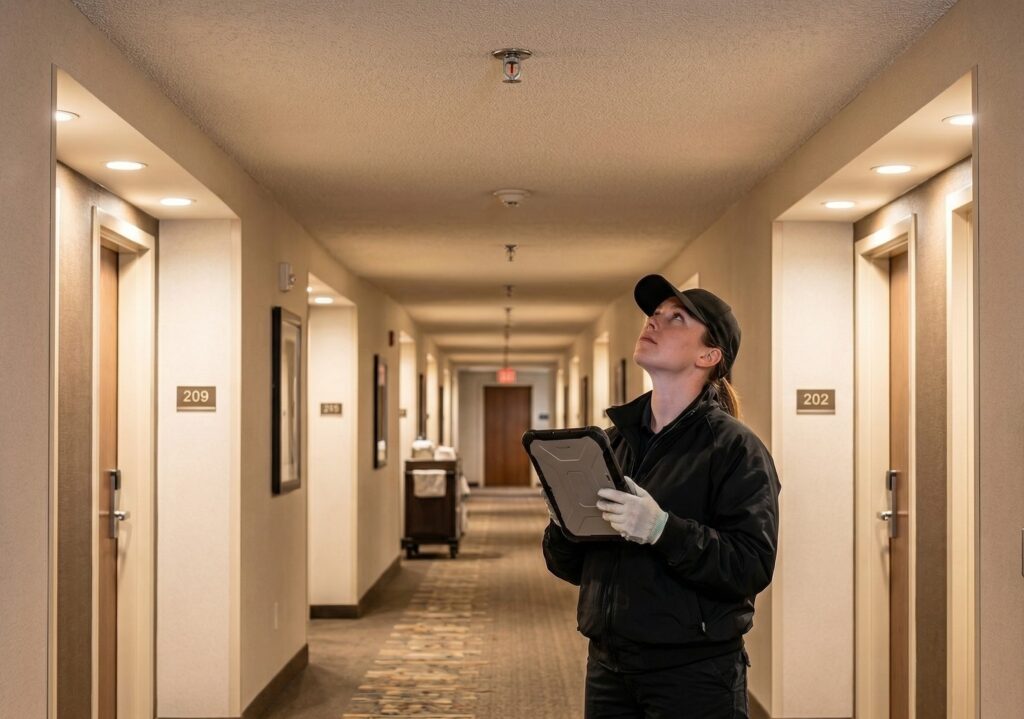
This is the fourth in a series exploring fire protection mobile workflows and how integrated tools empower technicians to bridge the gap between the field and the office.
In high-volume fire protection environments, the physical rhythm of an inspection is just as important as the data being recorded. When a technician is walking through a facility with hundreds of identical devices, the need to manually open and close every individual record can become a significant bottleneck. The PZ mobile app addresses this with an intuitive swipe-to-pass feature, allowing technicians to maintain their momentum without sacrificing the surgical data required for compliance.
How Swipe Pass/Fail Works
The Swipe Pass/Fail feature is an efficiency tool designed to dramatically speed up the inspection of multiple subcomponents or devices. By using a quick swipe to the left or right, technicians can assign a status to a long list of items in seconds.
- Swiping Right to Pass: Swiping right marks an item as passed and automatically presets the “Unit Results” field to the default pass value configured by the office.
- Swiping Left to Fail: Swiping left marks the item as failed and immediately triggers the deficiency workflow.
- Automatic Deficiency Prompts: When a failure is swiped, the PZ mobile app instantly prompts the technician for a Deficiency Code, Severity, and specific comments, ensuring that critical data is captured the moment it is identified.
Using Historical Data for Faster Entry
The true speed of the swipe feature is unlocked during recurring inspections where historical data is already present. Because static information—such as the manufacturer, model, and size—automatically carries over from previous visits, the “Unit Result” is often the only remaining field to be answered.
- Reducing Data Entry: A single swipe presets the result based on office-defined defaults, allowing the technician to bypass manual data entry for the majority of the equipment on-site.
- Mandatory Field Protection: If a form requires a specific gauge reading or a new location description, the PZ mobile app will stop the swipe action and prompt the technician for that unique data before the status can be saved.
- Scanning with Barcodes: When paired with a Bluetooth scanner, scanning a device’s barcode instantly presents the Swipe Pass/Fail option on the screen, allowing for a seamless “scan and swipe” workflow.
Balancing Inspection Velocity and Compliance
The goal of high-velocity tools is to allow technicians to rapidly process compliant equipment so they can focus their time and expertise on the deficiencies that actually require their attention. By standardizing the “Pass” and “Fail” defaults in the office, you ensure that every technician’s walkthrough is fast, consistent, and fully documented.
Efficiency starts with the right setup. If you want to see how the PZ mobile app supports high-velocity inspections in real-world workflows, contact our team to request a demo.